IT / INFRASTRUCTURE
Servers
Server builds, services, and the troubleshooting that comes with keeping them running.
SERVER OVERVIEW
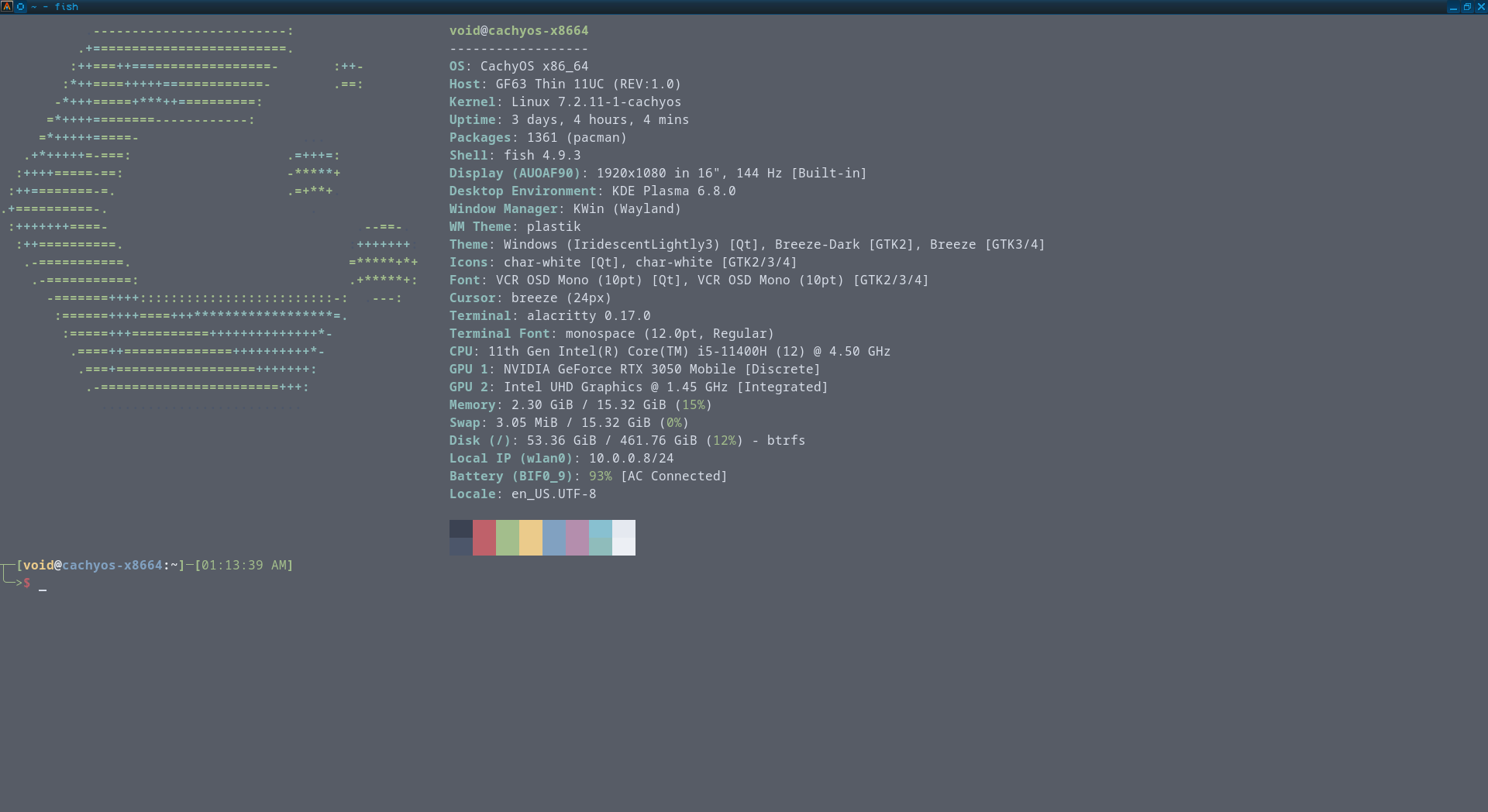
This is my home server machine named VOID that runs all the projects that are in this website. It is a Linux based machine running CachyOS, which is a Linux distribution based off of an Arch architecture. It's a server that runs a bunch of different servers, mainly locally hosted HTTP servers with my current local apps. Paired with a VPN and SSH, I can access this PC from any of my devices. Most of my applications launch their own server when they boot, but the most important servers running are my SSH configuration and a super assistant, my OpenCode AI agent.
SSH
The SSH server is pretty straightforward. All allowed devices know each other via public keys. SSH is then configured so that the firewall will only allow devices with the correct keys, the correct VPN IP address, and the correct password on a connection attempt
OpenCode
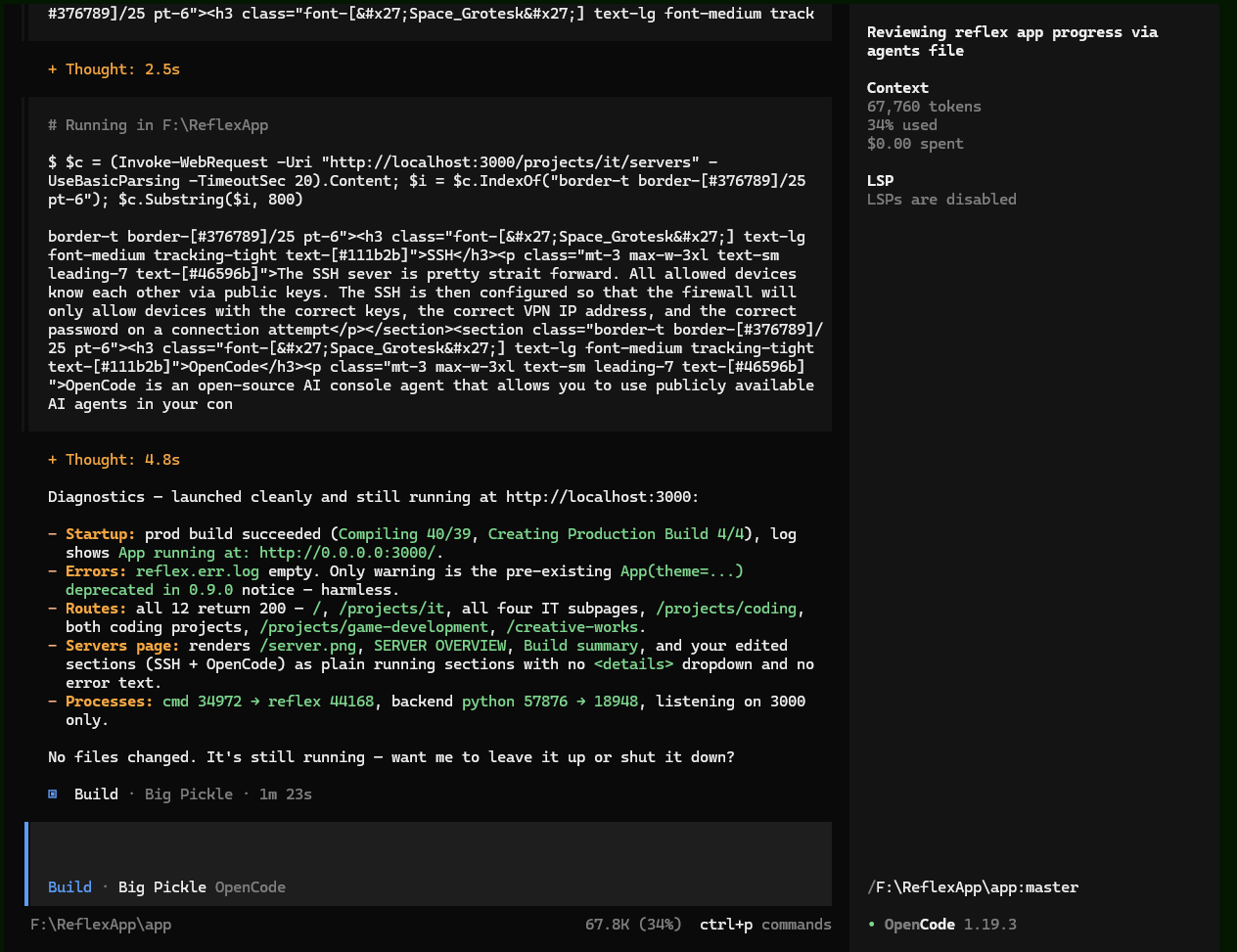
OpenCode is an open-source AI console agent that allows you to use publicly available AI agents in your console, or to create your own agent. It is a super assistant for running diagnosis and remote execution of any task. It can either be run locally, or as a server that runs in the console. I have my agent on any device that can run it. The amount of capability this agent has for diagnosing computer configurations, error processing, and optimizing code is staggering. I discovered the power of agents mid October. The speed at which I can code, change, and make things is staggering.
What's next
Building my own custom daemon/services. When the Wireshark programs are transferred to Python, I will use them as a daemon for this server, among other programs in the works.