IT / SYSTEMS LAB
VMs & Active Directory
Virtual machine builds and Active Directory labs: domain setup, users, groups, and Group Policy.
LAB OVERVIEW
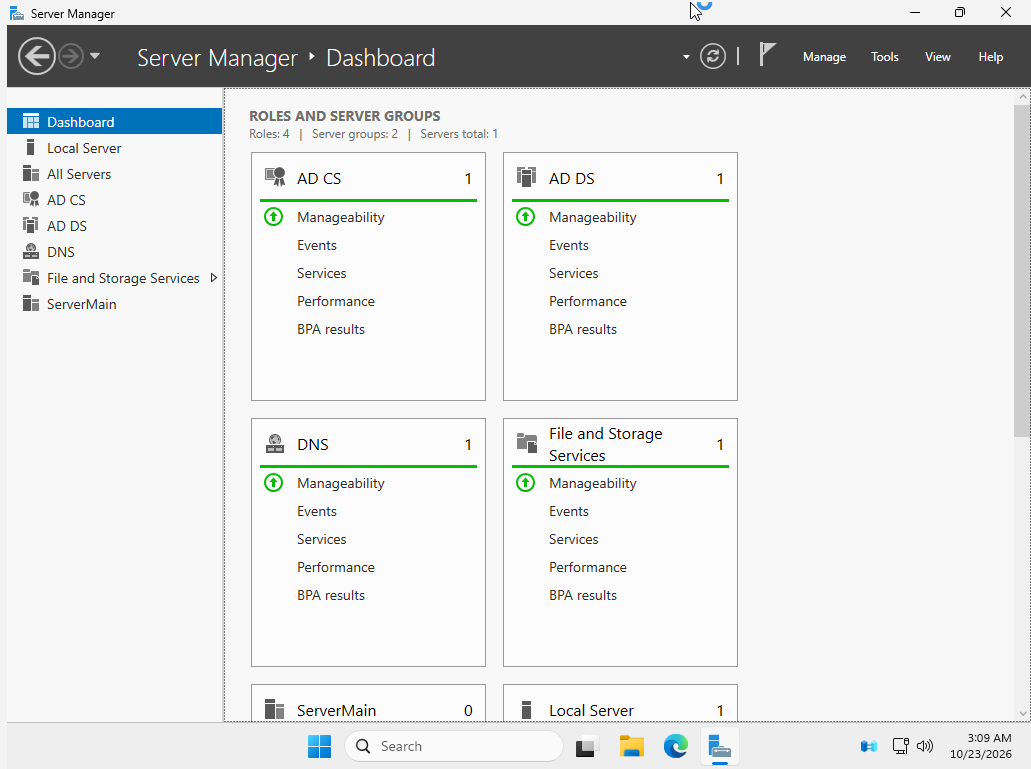
To familiarize myself with Active Directory as much as I could, I set up my own local domain. This included installing the main Windows Server, creating the domain, adding users, and configuring custom Group Policies. Nothing too exciting here. There are still a lot of things I don't know about Active Directory, since the number of server roles is extensive, but next on the chopping block is remote imaging using Microsoft Deployment Toolkit and other imaging software from this Windows Server PC.
Virtual Machines
In the Google IT Professional Certificate course, all labs were run on virtual machines. This included:
- Basic command-line navigation, file management, and software package installation and removal
- Analyzing network packets with Wireshark and troubleshooting TCP/IP configurations
- Managing filesystems, users, groups, permissions, disk partitioning, system processes, logs, and remote SSH connections across Windows and Linux
- Configuring and managing system services, DNS, DHCP, and directory services such as Active Directory and OpenLDAP
- Performing encryption, managing SSH/TLS certificates, and running incident response exercises
I run all my virtual machines with Oracle VirtualBox, including a Windows Server for Active Directory and a number of Windows and Linux computers.